

Offline Mode
Your inspections don't stop, even if the internet does.





PropertyLenz Blog
How to Choose a Rental Inspection App
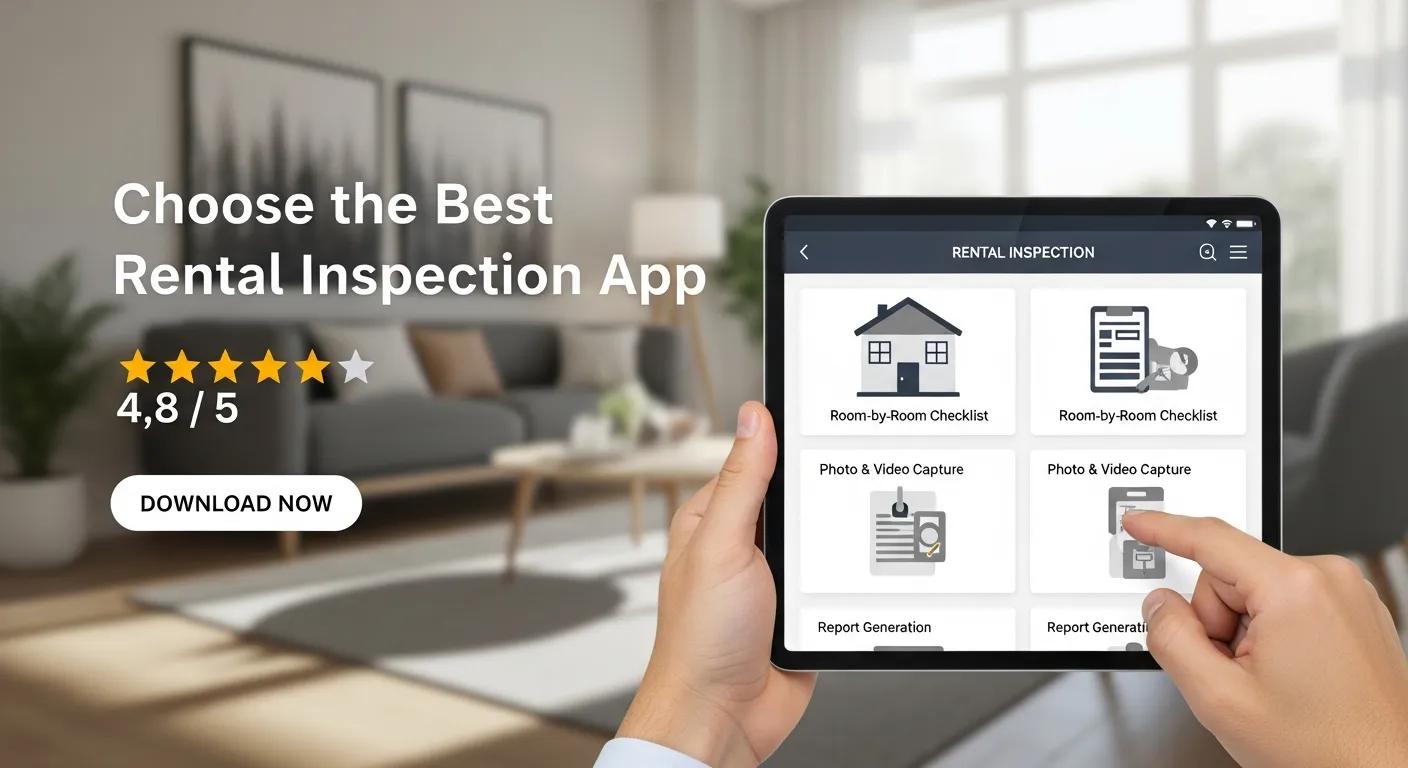
Choose the Best Rental Inspection App
Picking the right rental inspection app can cut inspection time, reduce disputes, and keep your records airtight. As property managers and landlords lean on digital tools, the right app should boost efficiency, accuracy, and tenant satisfaction. This guide walks you through the practical criteria, must-have features, and sensible practices so you can choose a solution that fits your workflow and portfolio.
Below we cover what to look for in inspection software, how to weigh features and pricing, practical tips for everyday use, and why digital inspections typically outperform paper-based methods. Use these points to compare options and find the best fit for your operation.
Selection Criteria
When evaluating inspection apps, focus on criteria that reflect real-world use and help you operate reliably at scale. These criteria are based on industry best practices and expert recommendations from leading property management professionals.
- User-Friendliness: The interface should let your team run inspections with minimal training and few clicks, as endorsed by top property management experts.
- Customization: Choose an app that lets you build property-specific checklists and tweak reports to match your processes, ensuring compliance with local regulations and standards.
- Documentation Capabilities: Robust note-taking, photo and video capture, and exportable reports are essential for defensible records, supported by legal precedents emphasizing thorough documentation.
Using an inspection app can dramatically simplify inspections and administrative work. PropertyLenz LLC, for example, offers an inspection tool built to digitize workflows so landlords and managers can inspect, document, and share reports quickly and consistently.
Key Features to Consider
Some features have outsized impact on daily operations. Prioritize those that save time, improve evidence quality, and integrate with your existing tools. These features are widely recognized by industry leaders as critical for effective property management.
These capabilities improve inspection accuracy and the experience for property teams and tenants alike. When integrated well, they make inspections faster and records more reliable.
Best Practices for Effective Usage

To get the most from your inspection app, adopt a few consistent habits across your team. These best practices are recommended by property management associations and technology consultants.
- Training: Provide short, role-specific training so users know how to capture photos, complete checklists, and generate reports, ensuring consistent data quality.
- Standardization: Use standardized templates and naming conventions to keep data consistent across properties, facilitating audits and compliance checks.
- Regular Updates: Keep the app and templates current so you benefit from feature improvements and security fixes, as advised by cybersecurity experts.
These practices help reduce errors, speed inspections, and ensure the data you collect is useful and actionable.
What Key Features Should You Look for in Rental Inspection Software?
Focus on features that make inspections easier to perform, review, and act on. Industry research highlights these as essential for maximizing return on investment.
- Functionality: The app should cover checklist creation, media capture, notes, and report export without cumbersome workarounds.
- User Interface: A clear, uncluttered interface reduces training time and user mistakes, supported by usability studies.
- Integration Options: Look for integrations with your PMS, accounting tools, or cloud storage to avoid duplicate entry and streamline workflows.
These feature areas determine whether a tool simply replaces paper or truly improves your workflow.
How Do Inspection Checklists and Photo Capture Improve Accuracy?
Checklists and photos are the backbone of reliable inspections, as confirmed by property management experts and legal advisors.
- Thorough Documentation: Checklists reduce the chance of missed items and ensure consistent reviews each time.
- Visual Evidence: Photos and videos provide objective proof of a unit’s condition at a point in time, which is critical in dispute resolution.
- Streamlined Inspection Flow: Built-in checklists plus media capture keep inspections organized and easier to review later.
Using both tools together strengthens your records and makes it far easier to resolve disputes or support claims.
Why Is Ease of Use Important for Landlords and Property Managers?
A straightforward app means faster inspections, fewer mistakes, and happier tenants. This is supported by user experience research and industry feedback.
- Efficiency: Easier navigation and faster data entry save operational time on every inspection.
- Quality of Inspections: When the tool is simple to use, staff are more likely to complete thorough inspections consistently.
- Tenant Satisfaction: A smooth inspection process reduces friction and improves tenant relations.
Choosing a user-centered app can deliver tangible gains in efficiency and tenant experience.
Across the industry, adoption of property management software is rising because it reliably improves operational workflows and tenant outcomes.
How to Compare Top Rental Inspection Apps: Features and Benefits
Compare apps by how well their features map to your real operational needs, not just by feature lists. Expert reviews and case studies can provide valuable insights.
- Feature Differences: Match feature sets to your workflows—automation and integrations matter most for larger portfolios.
- Pricing Models: Check whether pricing is per-user, per-property, or tiered by features to understand true cost.
- User Experiences: Read reviews and talk to peers to learn how an app performs day-to-day.
A careful comparison helps you pick a solution that delivers both value and simplicity.
What Are the Differences Between Popular Inspection Apps?
Inspection apps vary in depth and focus—some prioritize automation and reporting, others prioritize simplicity and low cost. Industry analyst reports highlight these distinctions.
- Features: Advanced tools may include automated workflows, tenant portals, and integrations; simpler apps focus on core inspection tasks.
- Pricing: You’ll find free tiers, subscription plans, and enterprise pricing—choose what scales with your portfolio.
- User Experiences: Design and support quality shape whether a product is a daily help or a recurring frustration.
Weigh these differences against your priorities—speed, documentation quality, or tight integration with other systems.
How Do Integration Options Affect Your Property Management Workflow?
Integrations reduce double entry and keep records synchronized across systems, a key factor in operational efficiency according to technology consultants.
- Efficiency: Integrated apps automate data flow between inspections and your PMS or accounting system.
- Accuracy: Fewer manual steps mean fewer transcription errors.
- Communication: Integrated tools make it easier to share findings with tenants, contractors, and team members.
Strong integration options help your tech stack work as a cohesive system rather than a set of disconnected tools.
What Are the Pricing and Subscription Models for Rental Inspection Tools?
Understanding pricing models helps you forecast costs and compare real value. Industry pricing surveys provide benchmarks for typical costs.
- Free Tier: Basic features may be free but often lack scale or integrations.
- Paid Plans: Subscriptions typically unlock advanced reporting, integrations, and support.
- Trial Offers: Trials let you test core features before committing—use them to validate workflow fit.
Compare total cost of ownership, including onboarding and potential savings from faster inspections and fewer disputes.
How Do Subscription Plans Impact Long-Term Costs?
Subscription structure influences your ongoing costs and ROI. Financial analyses from property management firms highlight the importance of evaluating long-term value.
- Cost-Effectiveness: Determine if the plan’s features reduce other costs or add measurable value.
- Budgeting: Factor recurring fees into your operating budget, not just initial setup costs.
- Long-Term Value: Consider how automation, fewer disputes, and faster turnarounds translate to savings over time.
Look beyond price per month—assess the operational gains that justify the subscription.
Are Free Trials or Demos Available to Test Inspection Apps?
Trials and demos are the fastest way to validate whether an app works for your team. Industry experts recommend thorough testing before adoption.
- Trial Duration: Trials typically run from a few days up to 30 days—use that time to run a full inspection cycle.
- Features Available: Confirm the trial includes the core features you need, like media capture and report exports.
- Sign-Up Process: Choose providers with a smooth sign-up and onboarding experience to maximize your trial period.
Use demos to test real workflows, not just click through screens—try a full move-in or move-out inspection during the trial.
Why Choose Digital Rental Inspection Tools Over Manual Methods?
Digital tools replace paper with faster, more accurate, and more defensible inspection processes. This shift is supported by numerous industry studies and legal experts.
- Efficiency: Digital inspections cut paperwork and speed up reporting and follow-up tasks.
- Accuracy: Built-in checks and timestamped media reduce human error and strengthen evidence.
- User Experience: A well-designed app makes inspections simpler for staff and clearer for tenants.
Moving to digital inspections improves day-to-day operations and reduces the risks tied to manual record-keeping.
The trend toward digital platforms continues as studies show clear gains in operational efficiency and customer satisfaction for rental services and related businesses.
How Do Digital Inspections Save Time and Reduce Errors?
Digital inspections introduce structure and automation that speed work and reduce mistakes. These benefits are documented in case studies from leading property management firms.
- Organized Documentation: Digital records are searchable, timestamped, and easy to retrieve.
- Streamlined Process: Built-in checklists and workflows cut the manual steps between inspection and reporting.
- Automated Reporting: Auto-generated reports remove repetitive data-entry tasks and accelerate follow-up actions.
These efficiencies free up time for property teams to focus on maintenance and tenant relationships.
What Are Real-World Benefits for Landlords and Property Managers?
Digital inspection tools deliver measurable benefits you’ll notice in day-to-day operations. These outcomes are supported by testimonials and performance metrics from industry leaders.
- Trust and Transparency: Clear, timestamped records help build trust with tenants and support fair outcomes.
- Streamlined Operations: Faster inspections and automated reports simplify handoffs and maintenance planning.
- Legal Compliance: Accurate, exportable records make it easier to meet local requirements and defend decisions.
Collectively, these benefits make a strong case for adopting a modern inspection solution that fits your business.
Recent Blogs
The Ultimate Guide to the Rental Condition Report: Everything You Need to Succeed
Published: April 29, 2026
Read More
How to Create a Pro-Level Rental Inspection Checklist in Under 5 Minutes
Published: April 27, 2026
Read More
Move-In vs. Move-Out Inspection: How to Create a Comparison Report That Ends Disputes
Published: April 24, 2026
Read More
Deposit Dispute Secrets Revealed: How Your Rental Condition Report Can Save You Thousands
Published: April 22, 2026
Read More